
68 NiuNiu Registration Guide
68 NiuNiu registration is completed through official Telegram. Users can first click the registration button on the 68 NiuNiu official website, go to the 68 NiuNiu official Telegram page, and start the bot, then follow the on-page prompts to bind the inviter, bind the current device, and set a 6-digit payment password and a name. Once these steps are completed, you can enter the game hall.
What Do You Need to Prepare Before Registering for 68 NiuNiu?
Before starting registration, you need to be able to use Telegram and enter the official Telegram registration entry from the 68 NiuNiu official website. If joining through a friend's invitation, you can prepare the inviter's UID, invitation code, or invitation QR code so that inviter binding can be completed upon first entry.
Enter the official Telegram from the 68 NiuNiu official website
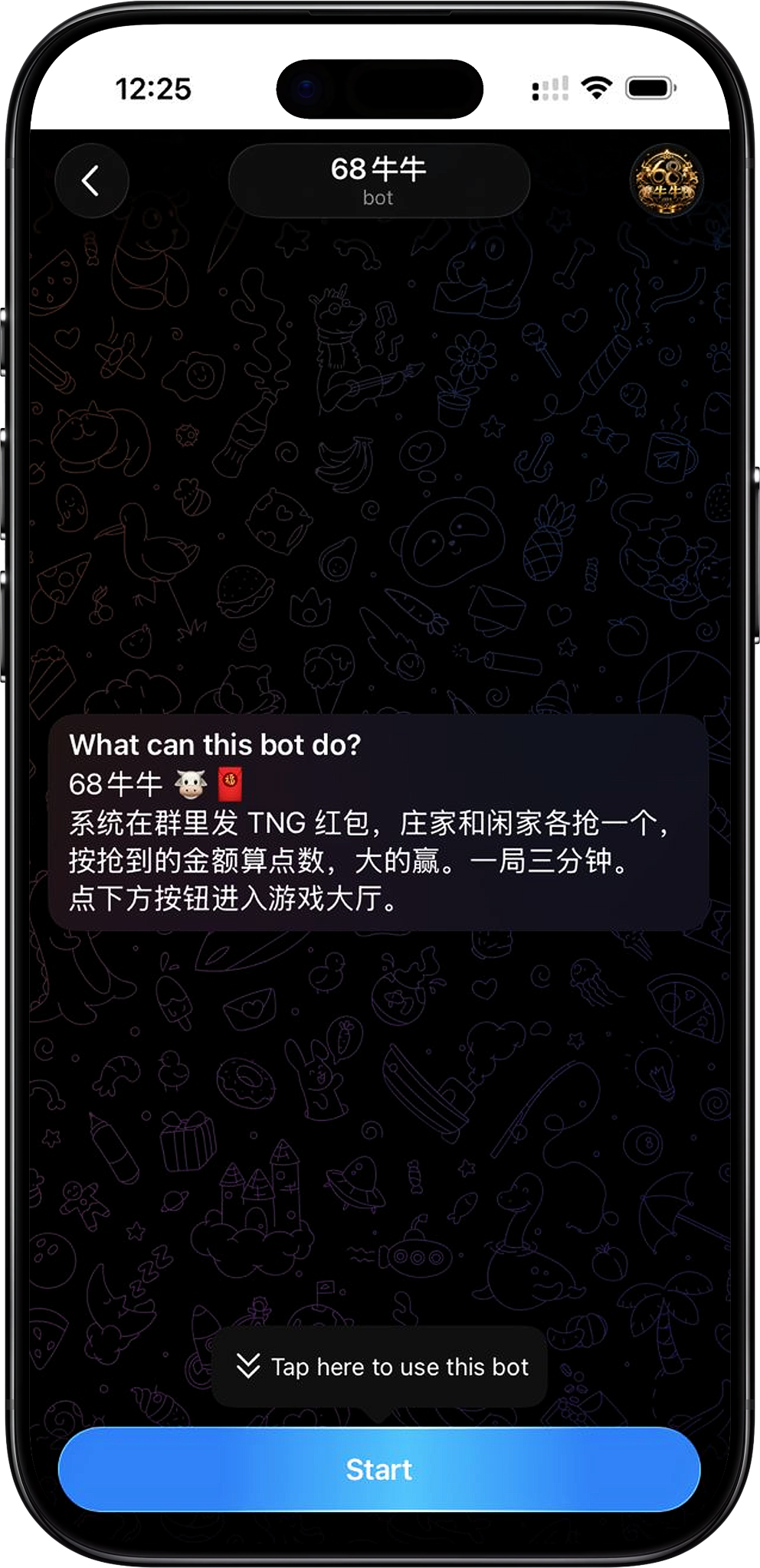
After clicking the registration-related button on the current official website page, it will redirect to the 68 NiuNiu official Telegram page. The page will display the 68 NiuNiu bot and the "START BOT" button. After clicking, open Telegram according to the browser prompt to continue registration.
Prepare the invitation code or invitation QR code
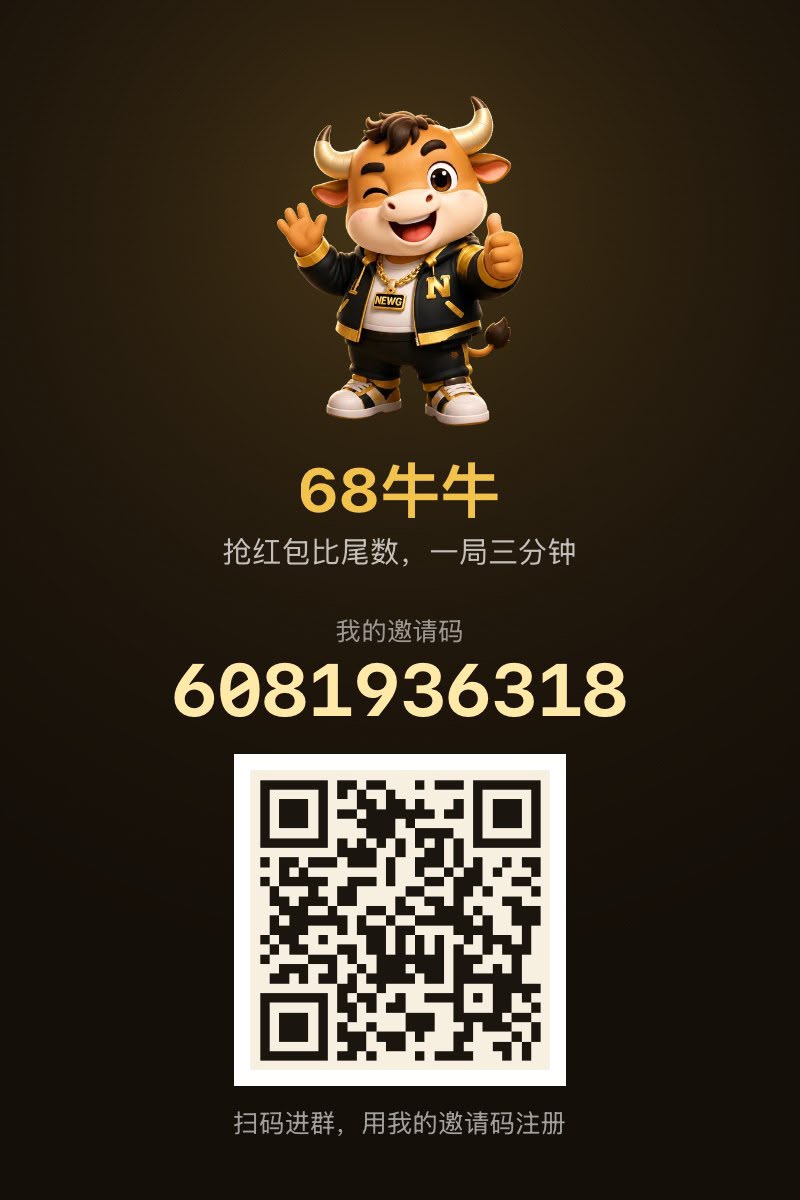
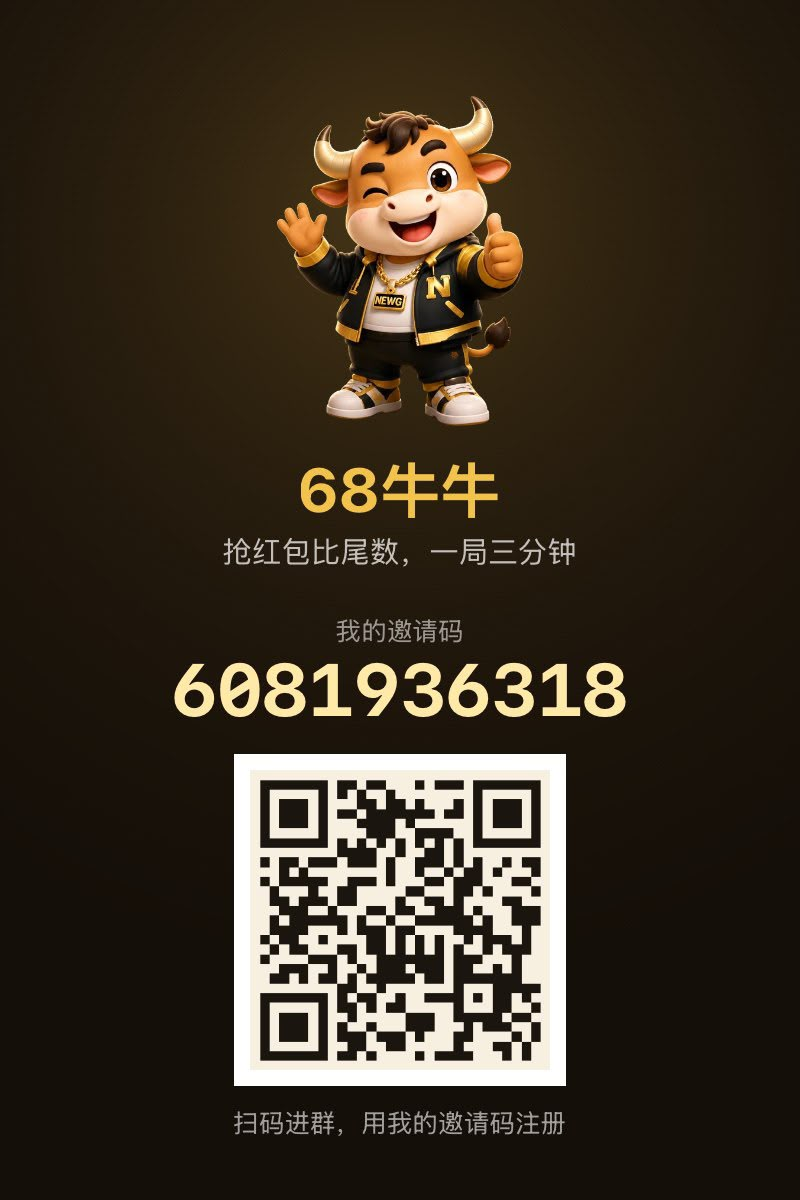
68 NiuNiu supports entering the registration process through an invitation code or QR code. The invitation page can display the personal invitation code and the corresponding QR code. Invited users can scan the code to enter and complete the invitation relationship binding during registration.
68 NiuNiu Registration Steps
Step 1: Click the official website registration entry
Find and click the registration-related button on the 68 NiuNiu official website, and the system will take you to the 68 NiuNiu official Telegram bot page. After confirming that the page displays the 68 NiuNiu registration entry, continue to the next step.
Step 2: Click START BOT and open Telegram
Click "START BOT" on the Telegram redirect page. If the browser shows an "Open Telegram?" prompt, select "Open Telegram" to enter the 68 NiuNiu bot conversation.
Step 3: Start the bot and enter the game hall
After entering the bot, send "/start." The bot will display registration and queue prompts and provide an "Enter Game Hall" button; if the invitation information has already been carried in through the entry, the page will also indicate that the corresponding invitation code has been included. Click "Enter Game Hall" to continue.
Step 4: Bind the inviter
When using it for the first time, you need to bind the inviter. After entering the "Bind Inviter" page, you can enter the inviter's UID or invitation code; if entering through an invitation QR code, continue to complete the binding according to the information displayed on the page. After confirming the invitation relationship, proceed to the next step.
Step 5: Bind the current device
Bind the account to the current device according to the registration page prompts. 68 NiuNiu uses a method of one account binding one device, and after binding, it cannot be changed on your own; if the bound device needs to be changed later, you should contact Support through the mini program within the original bound device. The page also prompts that the current device needs Touch 'n Go installed and logged in so that subsequent top-up, withdrawal, and game-related operations can be used normally.
Step 6: Set a 6-digit payment password
After device binding, you need to set a new 6-digit payment password. This password is used for fund-related operations, so you should set a numeric combination that you can remember and that is not easily guessed by others, and avoid disclosing it to others.
Step 7: Set the account name
Finally, set the name displayed in groups, leaderboards, and point transfers. The name length is 2–12 characters, and letters, numbers, and underscores can be used. After the name is set, it cannot be changed again within 24 hours, so the input should be confirmed before submission.
How Do I Register for 68 NiuNiu Using an Invitation Code or QR Code?
Use the invitation code to bind the inviter
If you have already obtained the inviter's invitation code, you can enter the corresponding invitation code or UID when the "Bind Inviter" page appears during first registration, and then click next to complete the invitation relationship confirmation.
Scan the invitation QR code to enter
Invitors can also share their personal invitation QR code. After new users scan the QR code, they can enter the corresponding 68 NiuNiu registration entry and then follow the Telegram registration process to start the bot and continue operating.
Why is it necessary to confirm the inviter during first registration?
Binding the inviter is one of the registration steps when first entering 68 NiuNiu, so when required by the page, the invitation information corresponding to the UID, invitation code, or QR code should be confirmed before continuing with device binding and account settings.
How Do I Bind a Device During 68 NiuNiu Registration?
One account binds one device
The registration process will require binding the 68 NiuNiu account to the device currently in use. The page clearly states that one account corresponds to one bound device and cannot be changed on your own after binding, so the device you intend to use normally afterward should be used for the operation during registration.
What should be done to change the bound device?
If the bound device needs to be changed in the future, you should, according to the platform page prompts, enter the mini program within the originally bound device and contact Support for handling, rather than registering another account to replace the original binding.
Why is it necessary to use Touch 'n Go on the device?
The registration page prompts that you should ensure that Touch 'n Go is installed and logged in on the currently bound device. This setting is related to subsequent top-up, withdrawal, and game operations, so it is recommended to confirm that Touch 'n Go can be used normally before binding the device.
What Can I Do After Completing 68 NiuNiu Registration?
Enter the 68 NiuNiu game hall
After completing the inviter, device, payment password, and name settings, you can enter the 68 NiuNiu game hall. The hall will display the account balance and provide account feature entries such as top-up, withdrawal, and point transfer.
View the gameplay introduction and enter rooms
The game hall provides the 68 NiuNiu gameplay introduction and an entry to enter rooms. First-time users can first view the gameplay explanation to understand red packet grabbing, points, and round rules before deciding whether to enter the corresponding room.
Use other features of the hall
In addition to the game entry, the hall also has navigation areas such as Activities, NiuNiu, Chat, and Personal Account. Users can view the relevant pages as needed without re-registering.
68 NiuNiu Registration FAQ
Where do I register for 68 NiuNiu?
You can go from the registration entry on the 68 NiuNiu official website to the 68 NiuNiu official Telegram page, click "START BOT" and open Telegram, then complete registration according to the bot and page prompts.
Does 68 NiuNiu registration require an invitation code?
When using it for the first time, you will enter the inviter binding process, and the page supports entering the inviter UID or invitation code. Users can also enter through an invitation QR code and confirm the invitation relationship according to the page prompts.
Do I need to complete other steps after scanning the QR code?
Yes. The QR code is mainly used to enter the invitation and registration process, and afterward you still need to complete Telegram startup, inviter binding, device binding, the 6-digit payment password, and name settings according to the page prompts.
Can I change the bound device on my own after registration?
It cannot be changed on your own directly. The registration page states that one account binds one device; if a change is needed later, you should contact Support through the mini program within the original bound device.
What are the requirements for the 68 NiuNiu name?
The name must be 2–12 characters, and letters, numbers, and underscores can be used. After it is set, it cannot be changed again within 24 hours.
Where do I enter the game after completing registration?
After the registration settings are completed, you will enter the game hall. From the hall, you can view the gameplay introduction and continue using 68 NiuNiu through related entries such as "Enter Room."
Start Registering for 68 NiuNiu
Enter the official Telegram registration entry from the 68 NiuNiu official website, start the bot, and complete the inviter, device, payment password, and name settings according to the page steps.